TripNoted vs Google CalendarGive your trip more than a time slot.
Your calendar knows when you’re going. Give the whole trip a home: the places you saved, the bookings you made, the days ahead, and the photos that follow.
Free to start. Plan on iPhone and web.
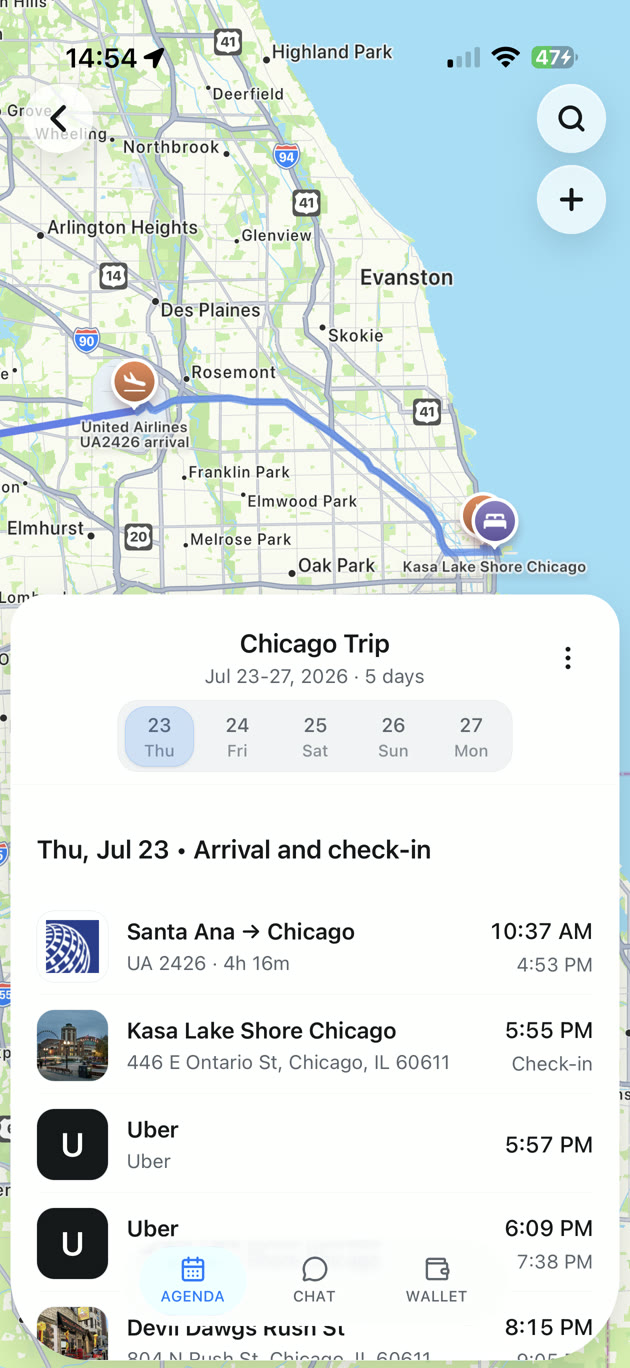

A trip you can’t wait to open.
From the first place you save to the last day away. Give every part of the trip a home.
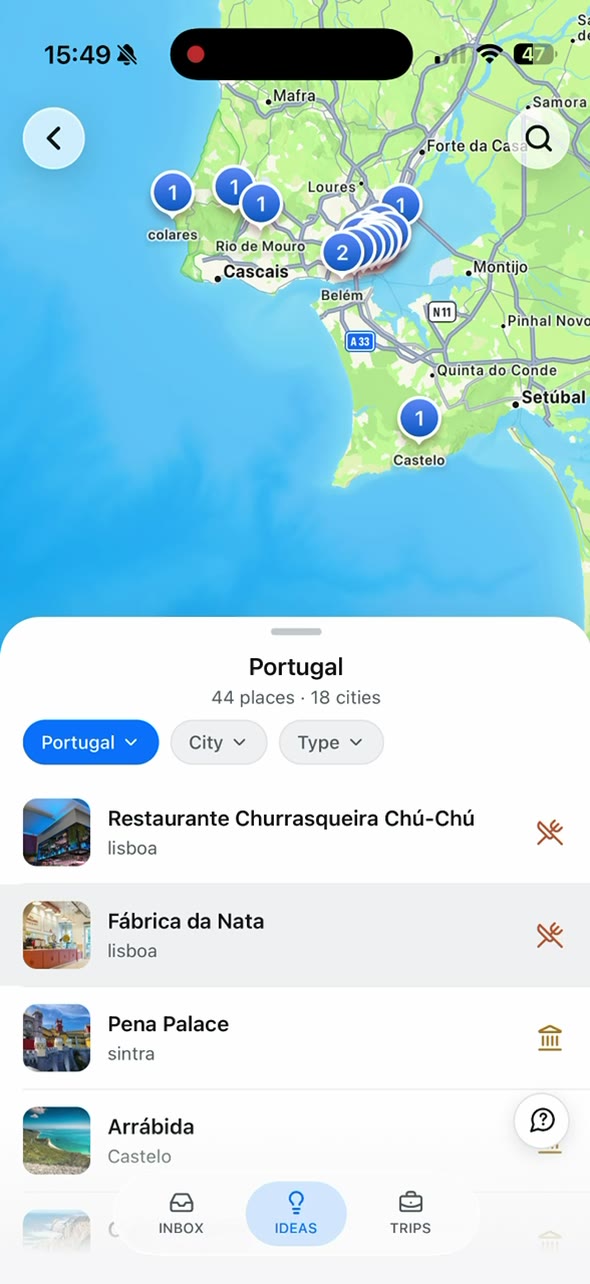
Make your saved places happen.
Share a travel video or link. Find its places on your map, then add them to a trip.
See how the days fit together.
Your bookings, places, and plans. Together on a map and arranged by day.
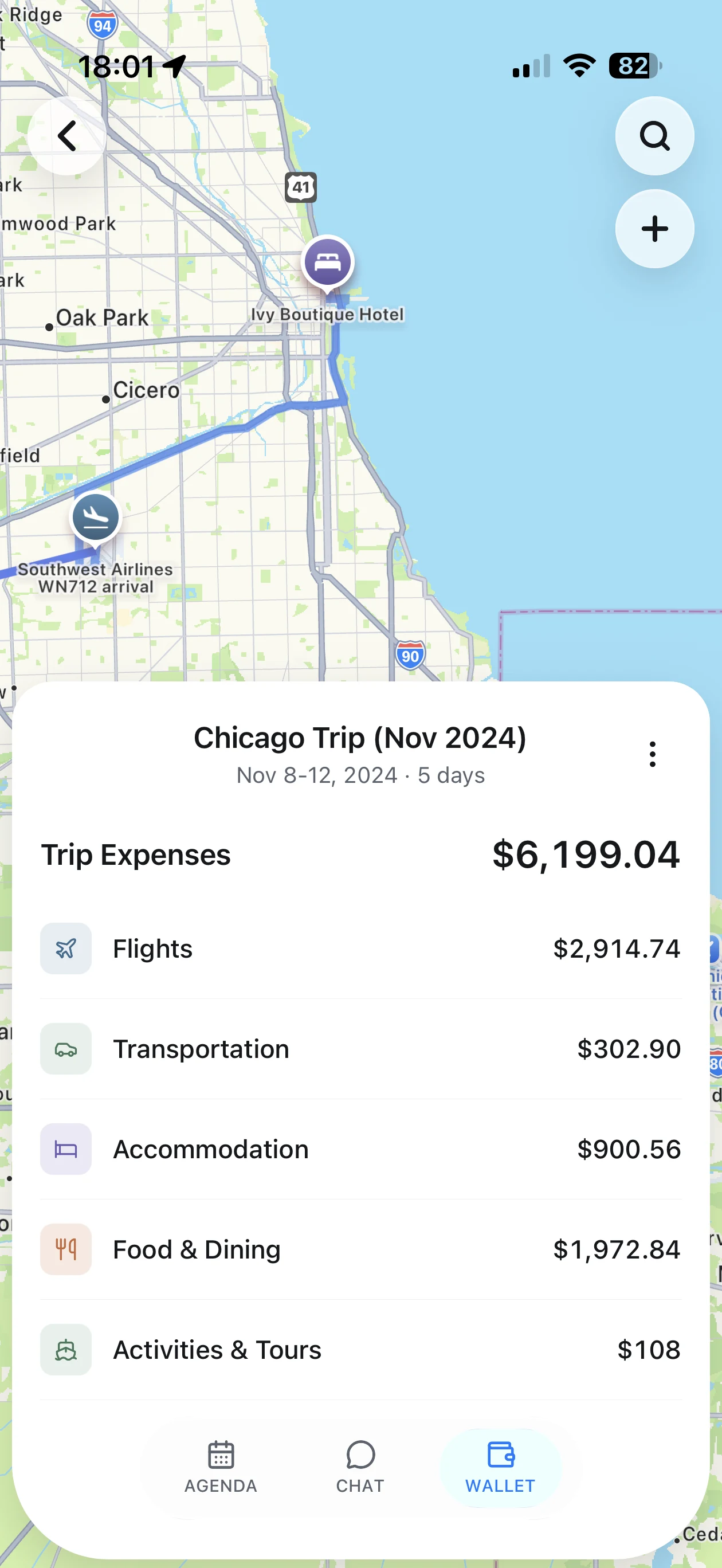
Keep an eye on the budget.
See trip expenses together, with clear totals for stays, flights, food, and more.
Compare the things you’ll use.
Calendar events are useful. TripNoted adds a space built around the trip itself.
| For your trip |  TripNoted TripNoted | Google Calendar |
|---|---|---|
| Places from social links | TikTok, Instagram, YouTube, and web links → places | Place extraction not confirmed |
| Booking email import | Connect Gmail for automatic import | Supported Gmail bookings; settings apply |
| Daily itinerary and map | Your bookings and planned places, together | Events with location details |
| Trip cost overview | Totals and spending by category | Travel cost overview not confirmed |
| Questions about your trip | Built-in trip chat; plan limits apply | Trip-specific chat not confirmed |
| Photos with your trip | Suggested activity matches (experimental) | Trip photo matching not confirmed |
| Shared trip editing | View or edit invitations; included in Free | Calendar sharing and event visibility |
| Offline trip details | Read saved details and make supported trip edits on iPhone; Free | Chrome offline viewing after setup |
Features and plan requirements checked September 2026. TripNoted plan limits apply.
See the trip, not just the dates.
A map full of possibilities. A plan for each day. Your travel details and memories, all within reach.
Start with what inspires you.
Turn saved travel links into places you can add to a trip.
Let the details come together.
Connect Gmail for bookings, then add your own places and plans.
Keep more than an itinerary.
Ask trip questions, see costs by category, and keep photos with visits.

A few things to know.
Can I keep using my calendar with TripNoted?
Yes. TripNoted can sync trip details with Apple Calendar or Google Calendar. Use your calendar for your wider schedule and TripNoted for the places, daily itinerary, bookings, trip questions, and memories.
Do I need to connect Gmail to plan a trip?
No. You can create a trip and add plans yourself. Connect Gmail when you want to bring in booking emails automatically.
Can I try TripNoted for free?
Yes. TripNoted has a free plan. Gmail import history, connected accounts, and trip chat have plan limits. See the pricing page for the current plan details.
How do photos become part of a trip?
Photo matching is experimental. With your photo-library permission, TripNoted uses photo times and locations to suggest matches with activities in your trip. You review the suggestions before the links are saved. Unclear matches need your review.
Your next trip deserves this.
Save a place. Bring in your bookings. Start seeing the trip come together.