The travel planning guide
Best group trip planning apps for friends.
One friend has the flight details. Another has saved a dozen restaurants. Someone changes the hotel, and the new address disappears into the group chat. The best group trip planning app gives everyone one plan they can help build and use once the trip begins.
Our pick is TripNoted for friends who want their bookings and saved places in a shared trip. Guests can view or edit the trip, and sharing is included on the free plan. If your group cares most about road-trip routes or splitting costs, Wanderlog deserves a look. Pilot is strong when you are still collecting options. Tripsy gives the organizer detailed guest controls. TripIt is a good fit for a trip built around reservations and flight details, while Lambus offers another option for a shared itinerary with group expenses.
Start here
The quick choice
| Choose | If your group needs | Keep in mind |
|---|---|---|
| TripNoted | Bookings, saved places, and a shared itinerary that friends can edit | iPhone and web; no native Android app or bill splitting |
| Wanderlog | A map, road-trip stops, and shared expenses | Offline trip downloads and route optimization are Pro features |
| Pilot | A shared shortlist and flexible plan while the group decides what to do | It starts with the group building a plan, rather than a connected Gmail inbox |
| Tripsy | Fine control over what each guest can see and change | It suits groups that want to organize reservations and expenses in detail |
| TripIt | A reservation-led itinerary with options for friends to view or edit | It focuses more on booked travel than on a shared list of places to explore |
| Lambus | A shared itinerary with group expenses and easy ways to invite friends | Full offline access and extended route tools are Pro features |
The right choice depends on where your trip starts. A city break can begin with flights and a hotel. A road trip may begin with pins on a map. A reunion might begin with a list of possible dates and stays. Pick the app that makes that first step easy for your group.
Compare the group planning basics
On a small screen, scroll the table sideways to compare each app.
| App | How friends take part | Bookings and places | Group costs | Offline and devices |
|---|---|---|---|---|
| TripNoted | Invited guests can view or edit a selected trip | Connected Gmail finds recognized bookings; saved links become Ideas | Booking costs in Wallet; no bill splitting | Saved details and supported edits offline on iPhone, including Free; web version |
| Wanderlog | Friends edit together; view-only links are available | Places on a map; forwarded bookings, or Gmail scan with Pro | Tracks and splits expenses | Offline downloads with Pro; iPhone, Android, and web |
| Pilot | Friends build a shared shortlist and plan | Places, notes, files, and imported confirmations | Budget notes; compare other tools for bill splitting | Mobile offline access; iPhone, Android, and web |
| Tripsy | Collaborators edit; view-only guests have separate access | Reservations, links, notes, and documents | Expense management with Pro | Apple devices; read-only web links |
| TripIt | Private guests can view or edit; a shared link is read-only | Forwarded confirmations or Inbox Sync | For bill splitting, compare Wanderlog or Lambus | iPhone, Android, and web |
| Lambus | Group invites and a read-only browser link | Stops and forwarded booking details | Calculates group expenses | Full offline access with Pro; iPhone, Android, and web |
This table is a way to compare jobs, not a promise that every app handles each job in the same way. For example, an expense list does not always mean the app can settle balances, and a shared link does not always let a friend edit.
Bookings + saved places
TripNotedBest when bookings and saved places become one shared trip
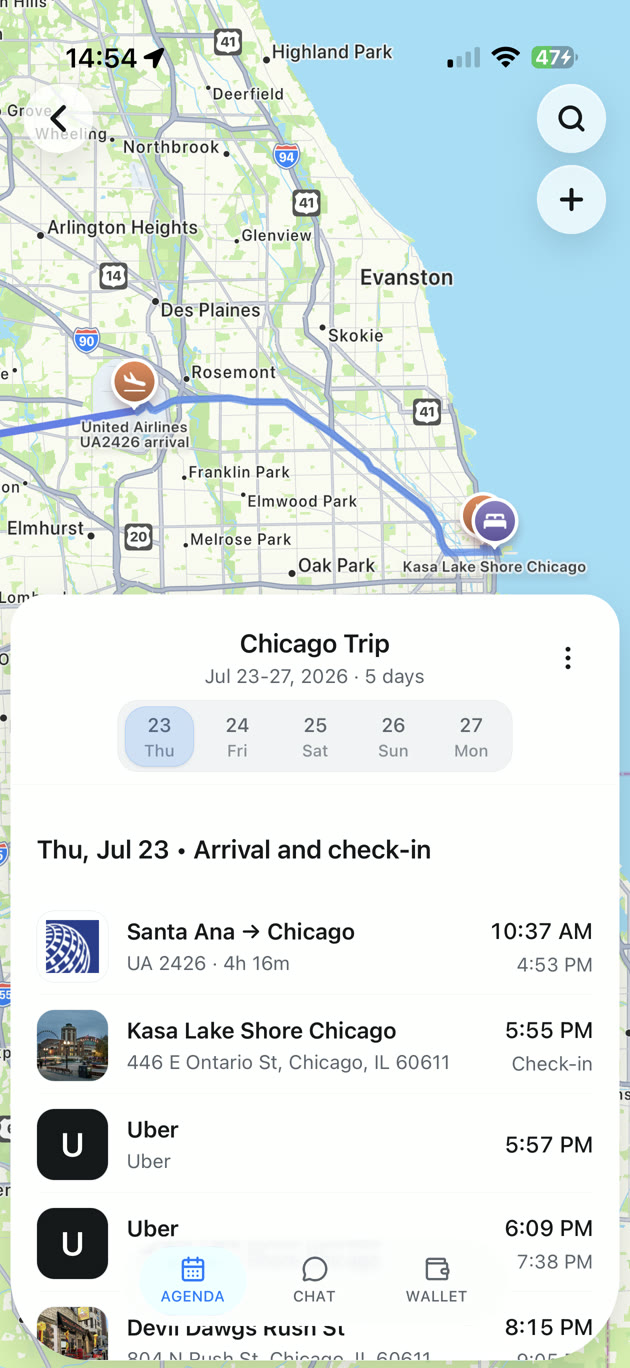
TripNoted works well when planning starts in two places: your inbox and the links everyone sends you. Connect Gmail to bring recognized travel bookings into trips. Save travel links as Ideas, choose the places you want, and add them to the itinerary. Then invite your friends to the trip with Can view or Can edit access. Sharing is part of Free, so the group can help shape the plan without an upgrade.
That mix is useful for a weekend with friends. Your booked flight and hotel give the trip its shape. The café someone found in a video can stay an Idea until the group chooses a day for it. A friend with edit access can add dinner plans, while another friend can simply follow the itinerary. If you are starting with bookings, see how TripNoted builds a travel itinerary. You can use TripNoted on iPhone or the web; the iPhone app also keeps saved trip details and supported edits available offline on Free.
TripNoted is not a bill-splitting app. Its Wallet shows costs found in bookings, but it does not settle what each friend owes. It also does not automatically reorder a driving route. There is no native Android app, though travelers can use the web version. Choose TripNoted when the shared trip itself matters most: the bookings, places, times, and people in one organized plan.
Road trips + shared costs
WanderlogBest for road trips and shared costs
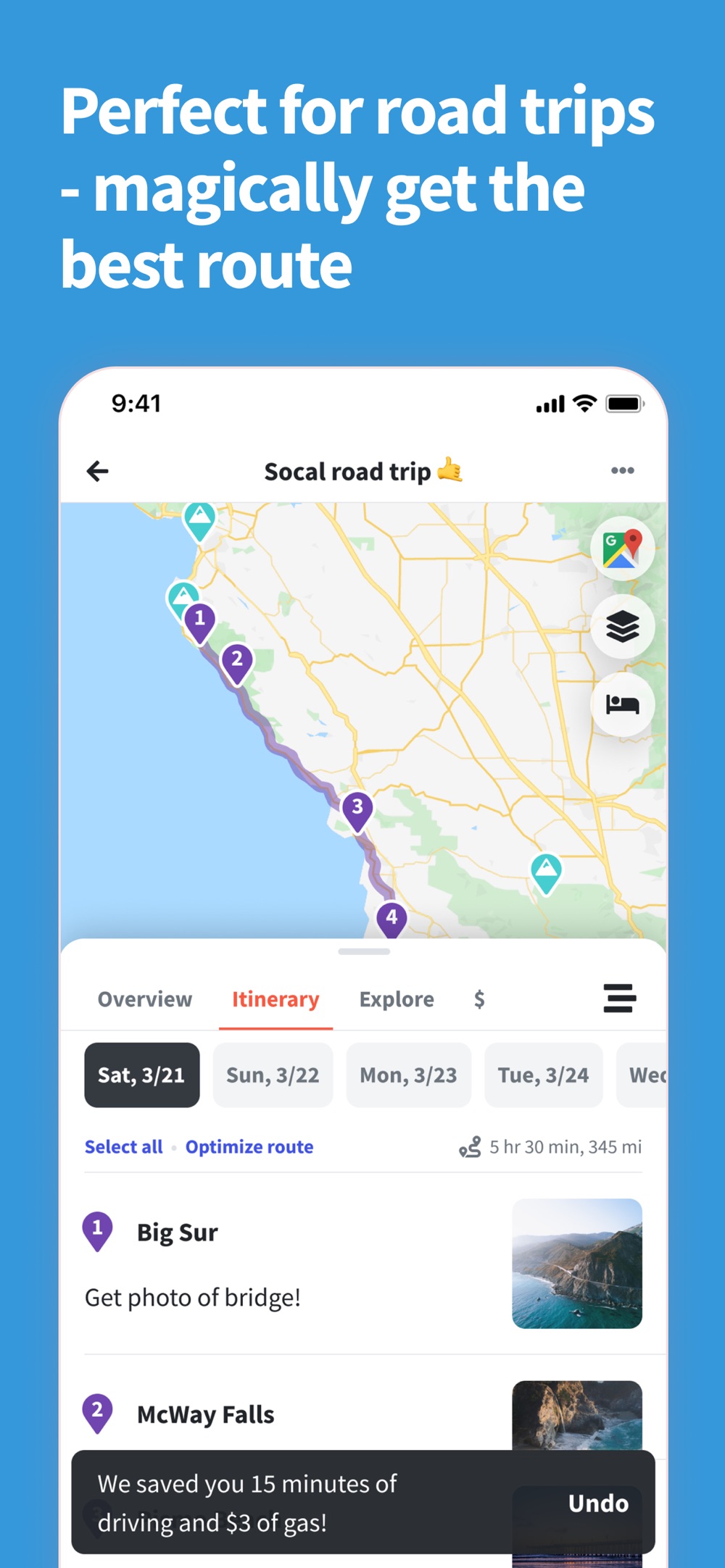
Wanderlog is a natural choice when the group is planning by map. Friends can work on an itinerary together, collect places, and see how stops fit into each day. It also has tools to track expenses and split costs. That makes it useful when the same group is choosing the route and keeping tabs on who paid for what.
For a road trip with many stops, Wanderlog has another advantage: route optimization. Its Pro plan can rearrange stops to make the route more efficient. Pro also lets you download a trip plan for offline access. If those are the jobs your group talks about most, Wanderlog may fit better than a booking-first organizer.
If your trip already has flights and stays in Gmail, compare how much booking setup you want to do. Wanderlog accepts forwarded confirmations; automatic Gmail scanning is a Pro feature. TripNoted is the more direct starting point when the bookings are already in your Gmail and you want to turn them into a shared trip.
Choosing plans together
PilotBest while the group is still choosing
Some trips are hard to organize because nothing is settled yet. Pilot gives the group a shared place to collect options, discuss the shape of the trip, and build an itinerary. Its shortlist helps keep the “maybe” ideas separate from the plans everyone has chosen. Friends can be invited to contribute, and Pilot offers a map view and flexible lists and notes for dates, budgets, and other group decisions.
Pilot says its core planner is free. It also offers mobile offline access and PDF export, which can help once the group has agreed on the plan. For a reunion or group getaway that begins with possible stays and activities, this is a useful approach.
Pilot can also import confirmations and screenshots. TripNoted's distinct path is a connected Gmail inbox that can find recognized bookings, plus saved links that become Ideas in the same shared trip. Choose Pilot when picking among options is the main work; choose TripNoted when you want those two inputs to shape the itinerary.

Guest permissions
TripsyBest for detailed guest permissions
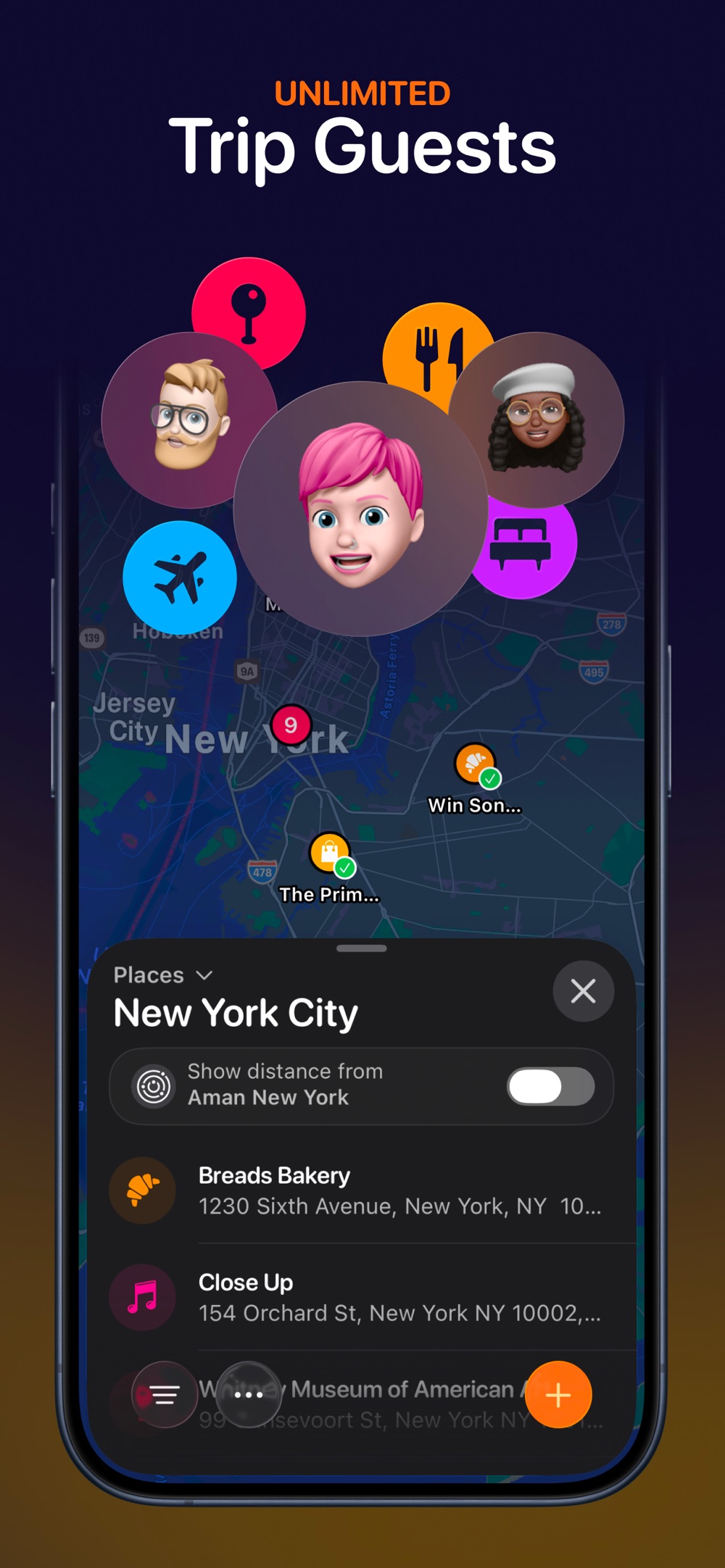
Tripsy lets an organizer invite collaborators who can help plan and view-only guests who simply need the details. The organizer can also control whether a guest sees documents and expenses. That is useful when one person is booking travel, two friends are helping plan, and the rest only need the final itinerary.
Tripsy keeps reservations, links, notes, and documents together. With Tripsy Pro, guests can contribute expenses and the app can send flight-change notifications. These tools suit a group that wants careful control over who can do what and wants travel updates alongside its plan.
TripNoted's sharing choice is simpler: invite someone to view or edit the trips you select. If that is all your group needs, it is easy to understand. If document and expense visibility must differ from one guest to another, Tripsy has more granular controls.
Reservations + flight details
TripItBest for a reservation-led trip
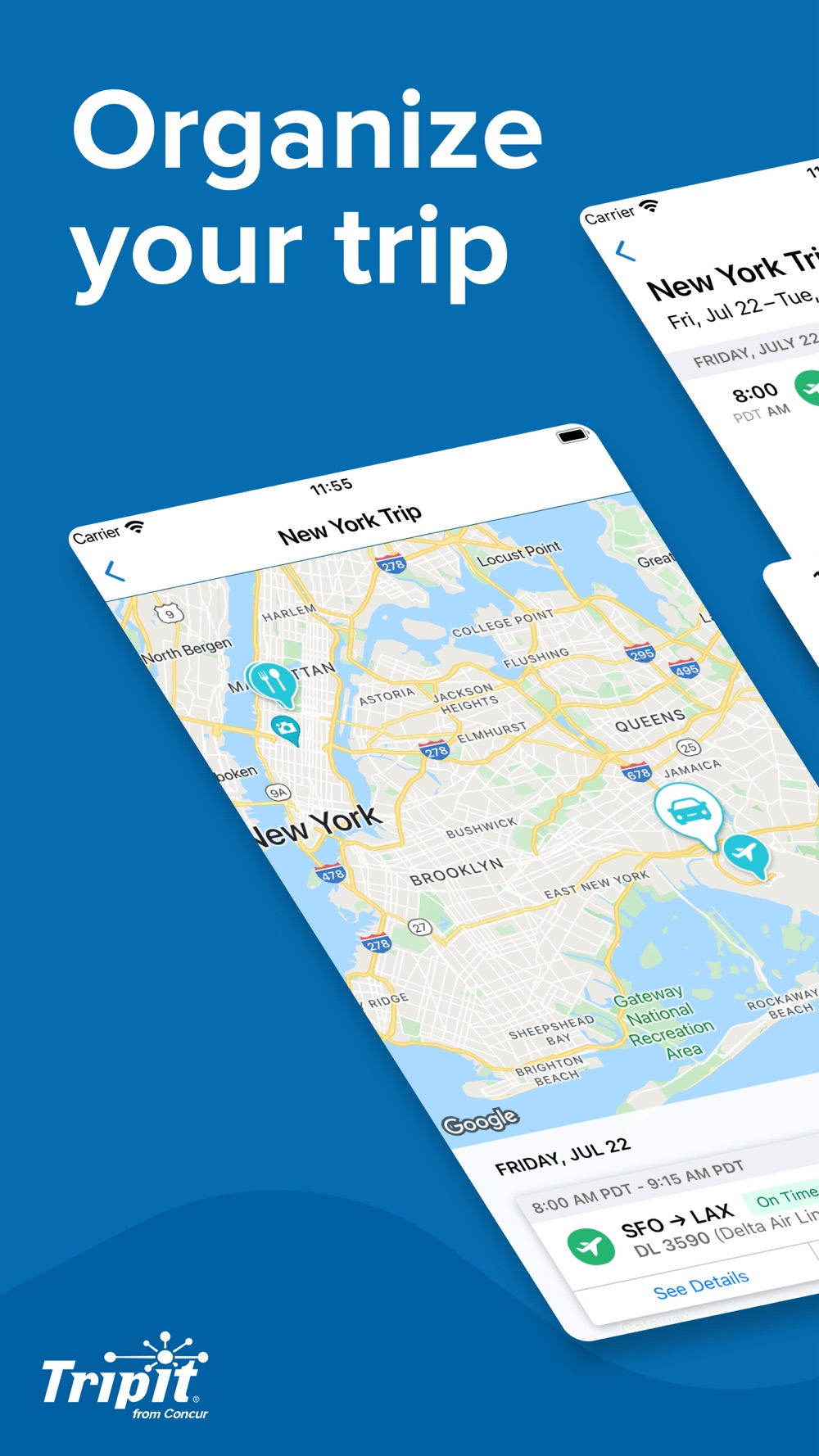
TripIt is strong at turning confirmations into an itinerary. You can forward travel emails or enable Inbox Sync, which supports several email providers. TripIt also lets you invite people to a trip with view or edit permission. That makes it a real group option, especially when the trip is mostly flights, hotels, and other reservations.
TripIt has a useful distinction between a private invitation and a shared itinerary link. People you invite with edit rights can help manage the trip; a shared link is read-only and hides some private details. TripIt Pro adds tools such as real-time flight alerts for travelers who value help when a flight changes.
For a group that wants to build the fun parts of the trip around saved places, TripNoted is our pick. For a group whose main job is keeping many reservations and flight details in order, TripIt remains a strong choice.
Itinerary + group expenses
LambusBest for a group that wants the details and costs together
Lambus gives friends several ways to join a shared trip, including an invitation link or QR code. The group can keep an itinerary, bookings, stops, and expenses in one place. It also offers a read-only browser link for someone who needs the plan but does not want to join the app.
That flexibility helps a larger group: a few friends can organize the trip, while others can simply follow it. Lambus calculates group expenses, which is useful if the same people are paying for stays, transport, and meals. Full offline access and extended route calculations are part of Pro.
Lambus also accepts forwarded booking details and saved stops. TripNoted's different path is to connect Gmail for recognized bookings and keep saved links as Ideas until the group selects them. If splitting costs and giving occasional travelers a simple read-only link matter more, Lambus is worth considering.
Put it into practice
How to keep a group plan useful
Whichever app you choose, start with one trip that everyone can find. Put confirmed flights, stays, tickets, and meeting times in first. Keep possible restaurants and activities separate until the group chooses them. Then give edit access to the friends who will make changes and view access to those who only need the plan.
Imagine four friends planning a long weekend. One books the hotel. Another saves two cafés and a museum. A third offers to choose Saturday dinner. In TripNoted, the organizer can bring the booking into the trip, add the selected places, and invite that friend to edit. The group sees the same itinerary without treating every suggestion as a reservation.
The same group might choose another tool when its main job changes. If the four friends will drive between many stops and divide the fuel and meal costs, Wanderlog or Lambus may fit better. If the hotel and activities are still undecided, Pilot gives them room to compare options. If they want a reservation record and flight alerts, TripIt may suit them. If the organizer needs separate controls for documents and expenses, Tripsy is worth a closer look. These differences matter more than a long feature list.
Before departure, each person should open the trip on the device they will carry. Check the hotel address, booked times, and who holds any tickets. If your group will lose service, check which parts of the chosen app work offline. TripNoted includes saved trip details and supported offline itinerary edits on iPhone in Free.
If your group uses both iPhone and Android, check the device choice before everyone starts adding plans. Wanderlog, Pilot, TripIt, and Lambus have apps for both. Tripsy focuses on Apple devices, while TripNoted offers an iPhone app and a web version.
Before you choose
Questions friends ask
Can friends edit a TripNoted trip for free?
Yes. TripNoted includes trip sharing on Free. Invite a guest with Can edit access when you want help with the plan, or Can view when they only need to follow it. The guest must accept the invitation, and sharing actions need a connection.
Does sharing my TripNoted trip share my Gmail?
No. A guest gets access to the trip you choose to share, not to your connected mailbox. You can also create a trip and add plans without connecting Gmail.
Which app should we use to split trip costs?
Wanderlog has dedicated expense tracking and splitting tools. Tripsy Pro lets guests add expenses, which is useful for recording group spending. TripNoted shows costs found in booking confirmations but does not split or settle bills between friends. If your main job is working out who owes whom, choose an app with a clear splitting flow.
What if only one friend likes planning?
Give that person edit access and let everyone else view the same trip. The group still gets one current plan without asking every friend to organize each day.
Your next trip, together
One trip. Everyone in the loop.
If your group already has bookings and a growing pile of saved places, start with TripNoted. Bring the travel details into one trip, invite the people coming with you, and give each person the access they need.

Free trip sharing. View or edit access. iPhone and web.