The travel planning guide
TripIt Free vs Pro: Is the Upgrade Worth It?
For most travelers who want one place for bookings and plans, TripIt Free is enough. TripIt Pro is worth $49 a year if you fly often and will use its flight alerts, alternate-flight help, seat and fare trackers, or airport guidance. If you mainly need an itinerary you can share and open offline, you can stay on Free.
Quick answer: TripIt Free already handles the main job: putting reservations and other plans in one itinerary. Pro adds tools for travelers who want help before a flight and inside the airport. Pay for those tools if they will reduce work or stress on trips you take often. Otherwise, keep the free itinerary and spend the annual fee elsewhere.
At a glance
TripIt Free vs Pro
Plans checked September 27, 2026. On a phone, scroll the table sideways to compare both plans.
| Feature | TripIt Free | TripIt Pro |
|---|---|---|
| Price | Free | $49 per year |
| Itinerary | Organize bookings and plans in one trip | Everything in Free |
| Add travel details | Forward bookings, turn on Inbox Sync, or add plans yourself | Everything in Free |
| Calendar, sharing, and offline access | Included | Included |
| Flight and airport tools | Itinerary details and airport and terminal maps | Flight alerts, alternate flights, seat and fare trackers, reminders, airport walking directions, and baggage details |
| Documents per trip | Up to 3 | Up to 25 |
TripIt’s Free plan includes more than a bare itinerary. You can forward confirmations or use Inbox Sync, add plans by hand, sync to a calendar, share trips, and access saved itineraries offline in the app. These tools are enough for many vacations and work trips.
Pro keeps those basics and adds travel alerts and airport help. The question is not whether Pro has more features. It does. The question is whether you will use the extra features enough to value them at $49 each year.
The core itinerary
What TripIt Free handles
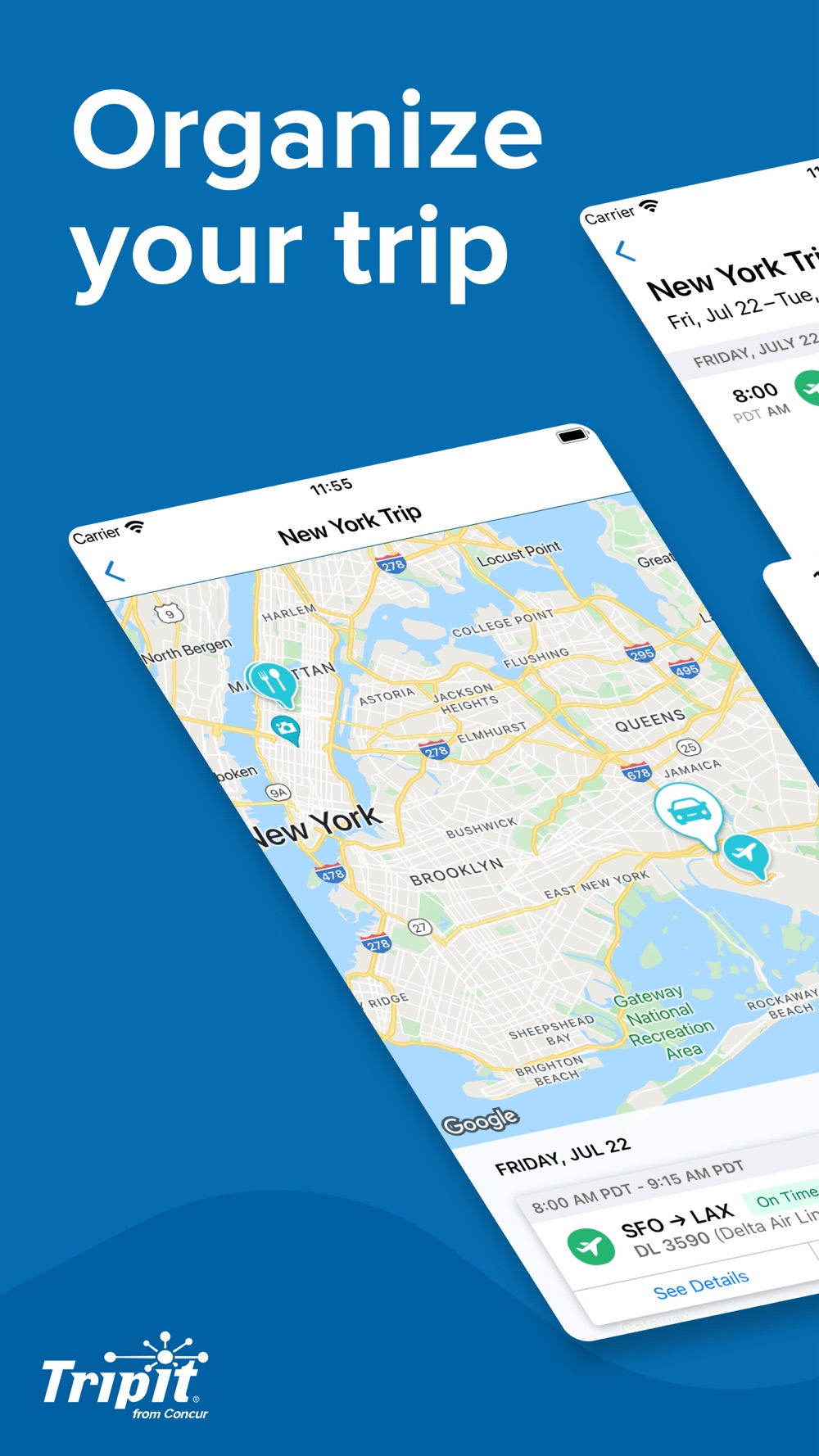
TripIt Free can collect the details you need to follow a trip. You can forward a confirmation email to TripIt, connect a supported inbox with Inbox Sync, or add a plan yourself. TripIt then groups travel details into an itinerary you can check across devices. Calendar sync and sharing are part of the free plan, and the TripIt app can show saved itineraries offline.
There is one detail to know if you connect an inbox: at signup, TripIt says its first scan looks at messages received in the last seven days, whatever the travel date. Imported plans may take up to 24 hours to appear. You can also forward older booking messages yourself. Inbox Sync is available with Free, so you do not need Pro just to bring bookings in automatically.
For a simple trip, that may be all you need. If you have a flight, hotel, rental car, and a few events, Free can put the details together. You can share the itinerary with a travel companion and keep a copy on your phone for a day without reliable service. TripIt Free also allows up to three documents on each trip.
More help around flights
When TripIt Pro earns its price
TripIt Pro is built for the parts of air travel that can change after you book. It sends flight-status alerts, can show alternate flights when a plan changes, and tracks seats and fares. It also adds a check-in reminder, a prompt for when to leave for the airport, terminal and gate reminders, airport navigation with walking directions, and baggage-claim details.
Those tools can matter when you fly several times a year, have tight connections, or need to act quickly if a flight changes. A price drop or newly available seat may also be useful if you often check whether your booking can improve. The value comes from using these features, not from the word “Pro” on the plan.
At $49 for a year, Pro costs about $4.08 per month when spread across all twelve months. TripIt charges the annual price. If you travel often, one alert that helps you respond to a change may feel worth more than the average monthly cost. If you take one easy trip each year and do not check flight status, that same fee may buy little for you.
Pro may fit if you:
- Fly several times a year and want flight-status or disruption alerts.
- Want help finding another flight after a cancellation or schedule change.
- Have connections where gate changes or walking directions would help.
- Want reminders for check-in, when to leave, or where to collect bags.
- Would use the seat tracker, fare tracker, extra document space, or automatic sharing with a trusted group.
Who can skip the upgrade?
Stay on Free if your main goal is to keep reservations in one place. It is likely enough if you take only a few flights, have straightforward connections, and are happy to check the airline’s app for live updates. You can still use Inbox Sync, calendar sync, trip sharing, offline itineraries, and manual plans without buying Pro.
You may also skip Pro if you already get flight notifications from your airline, travel agent, or another service and do not need a second set. Compare the tools you already use with the Pro features you would use. If the list is short, keep Free and review the decision before a busier travel year.
There is no need to upgrade just to test the basic trip organizer. If you want to try Pro’s extra tools, TripIt offers a 30-day free trial. Its help page says you must cancel before the trial ends to avoid the annual charge. Check which account or app store will manage billing before you start.
Bookings + saved places
Want more from your free trip planner?
For a vacation that starts with bookings and a growing list of places to visit, our pick is TripNoted Free. Bring your travel emails, the restaurant from that video, and your friends’ plans into the same trip. You get a useful place to build the days around your reservations, with shared editing included.
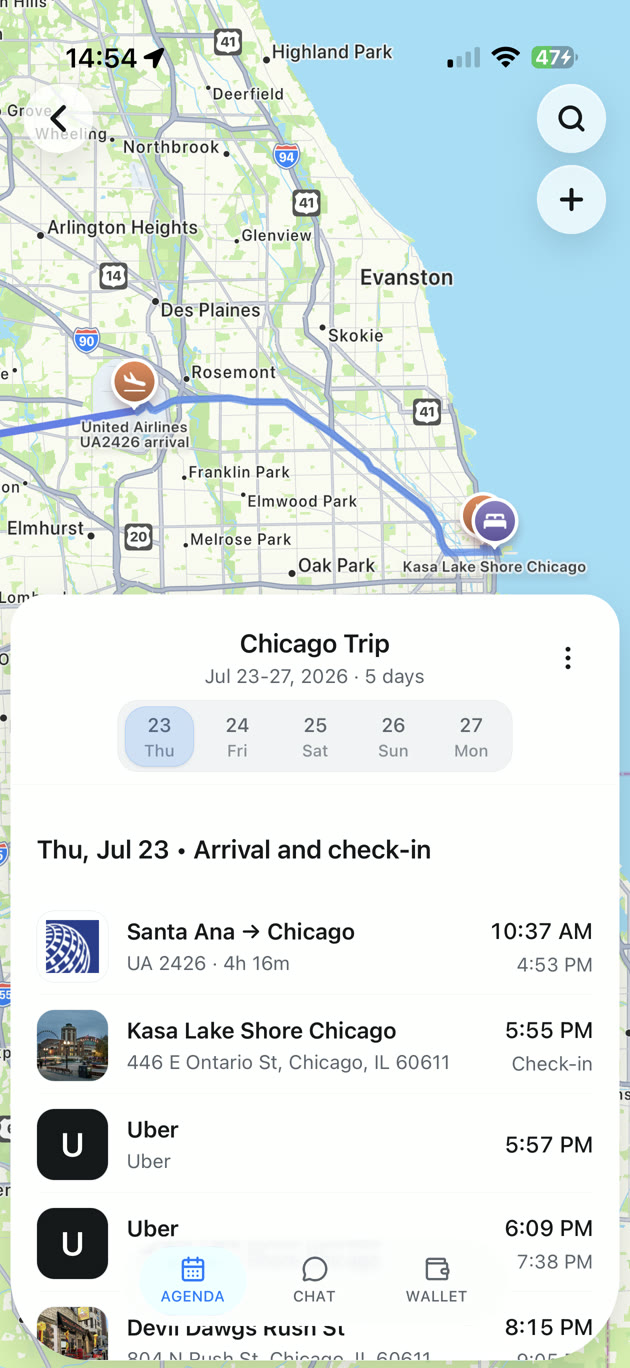
Picture a long weekend in Seattle. One traveler has the flight and hotel confirmation. Another sends a link to a coffee shop and an art museum. In TripNoted, Free can import recognized bookings from one connected Gmail account, then keep supported links as Ideas until the group chooses what to add to a day. You can also create plans by hand, so Gmail is optional.
On Free, the first Gmail import covers six months, and scheduled refresh runs about once an hour. You also get five Trip Assistant questions per trip. Invite someone to view or edit trips, and use the iPhone app to read saved details and make supported edits offline. TripNoted has a web version, which needs an internet connection.
TripNoted is for iPhone and web; there is no native Android app. It does not replace TripIt Pro’s flight alerts or alternate-flight tools. Its strength is the trip you build around the bookings: places to visit, days to plan, and friends who can help. See how TripNoted organizes an itinerary, or compare the Free plan limits.
Common questions
TripIt Free vs Pro FAQs
Is TripIt Free enough for a vacation?
For many trips, yes. It can organize bookings, sync your calendar, share the itinerary, and show saved plans offline. Pro adds flight and airport tools for travelers who need them.
Does TripIt Free include Inbox Sync?
Yes. TripIt supports Inbox Sync on Free, as well as email forwarding and manual plan entry. At signup, its first Inbox Sync scan looks at messages from the previous seven days, and imported bookings may take up to 24 hours.
Can I share a TripIt itinerary without Pro?
Yes. TripIt lets Free users share plans. Private invitations can have view or edit permissions. Pro adds automatic sharing with a selected group through Inner Circle.
Can I use TripIt offline on the Free plan?
Yes. TripIt says its app can show saved itineraries offline. Pro adds airport tools and alerts, but offline access is part of the basic trip organizer.
What happens after the Pro free trial?
The trial lasts 30 days. TripIt says you must cancel before the trial ends to avoid the $49 annual charge. The cancellation steps depend on whether you started on TripIt’s website, Apple, or Google Play.
Try a different kind of trip organizer
Keep bookings and places together with TripNoted Free.
Make room for the parts of your trip you are looking forward to. Bring in your bookings, save the places you want to visit, and invite your friends to help plan. Start with TripNoted Free on the web or iPhone.

One connected Gmail account. Free trip sharing. Saved trip details and supported offline edits on iPhone.